You’ve nailed the visuals for your video, but the audio sounds like it’s coming from a wind tunnel. We’ve all been there: no budget for a sound booth, yet viewers bail if the sound stinks. Good news: professional audio is now possible from your desk or phone with smart gear, free software, and AI tricks. Audio drives 80% of video’s emotional impact, and clear sound can boost engagement by 40%. This guide shares tested steps, tools, and hacks to make your videos sound studio-grade without the studio price tag. Let’s turn your clips into keepers.
Why Audio Makes or Breaks Videos
Viewers judge videos first by sound. Poor audio loses 30% of audience in seconds, while crisp tracks hold attention longer. Platforms like YouTube prioritize good audio for recommendations.
Common culprits: echo, background noise, muffled speech. Fixable without pro setups. Studies show edited audio lifts perceived quality 50%, even with average visuals.
Gear Up for Clean Recording
Start with basics anyone can afford. Lavalier mics ($20-50) clip to clothes, feeding directly to phone/laptop via USB. Boya BY-M1 delivers broadcast quality for under $25.
Smartphone mics improved, but add a $15 pop filter for plosives. Record in closets or under blankets for natural deadening, cutting echo 70%.
Positioning rule: mic 6-12 inches from mouth, off-axis to avoid breaths. Test levels pre-record: peak at -6dB.
Room hack: blankets drape walls, turning bedrooms into booths.
Record Smart, Not Fancy
Script tightly to minimize edits. Speak conversationally, natural pace. Record voice separate from video for flexibility.
Free apps: Voice Memos (iOS), Easy Voice Recorder (Android). Export WAV for quality.
Multi-take strategy: record sections, pick best. Clap for sync points.
Pro tip: stand while recording; diaphragm opens for richer tone.
Clean Up Audio in Free Editors
Post-record polish elevates. Audacity (free) removes noise: select silence, “Noise Reduction,” apply to track.
EQ basics: boost mids (2-4kHz) for clarity, cut lows (<100Hz) rumble. Compress dynamics: threshold -20dB, ratio 4:1.
De-breath: manual delete or plugins. Normalize to -1dB peak.
DaVinci Resolve free version syncs audio/video, adds fades.
Step-by-step Audacity:
- Import audio.
- Noise profile from quiet section.
- Effect > Noise Reduction.
- EQ, compress, export MP3/WAV.
Saves hours versus paid suites.
Layer Background Music and Effects
Music sets mood. Royalty-free sites: Epidemic Sound ($15/month), YouTube Audio Library (free).
Match tempo to video pace: upbeat 120BPM for energetic, slow 60 for reflective.
Volume mix: voice -6dB, music -18dB, effects -12dB. Sidechain ducking lowers music under speech.
Sound effects punch: freesound.org for doors, footsteps. Kapwing or VEED add online, no download.
Balance rule: duck music 3-6dB during voice.
Master Voiceovers Pro-Level
Narration elevates. USB mics like Fifine K669B ($40) rival studios.
Technique: smile while speaking for warmth, enunciate consonants. Pause for breath, edit seamless.
In the middle of production, a voice over generator like Adobe Express crafts natural narration from text, matching accents and tones perfectly for intros or explanations without re-recording.
Fine-tune speed 10% slower for comprehension.
Sync and Edit in Video Software
Import cleaned tracks to editors. DaVinci Resolve, CapCut (free mobile), Premiere Rush.
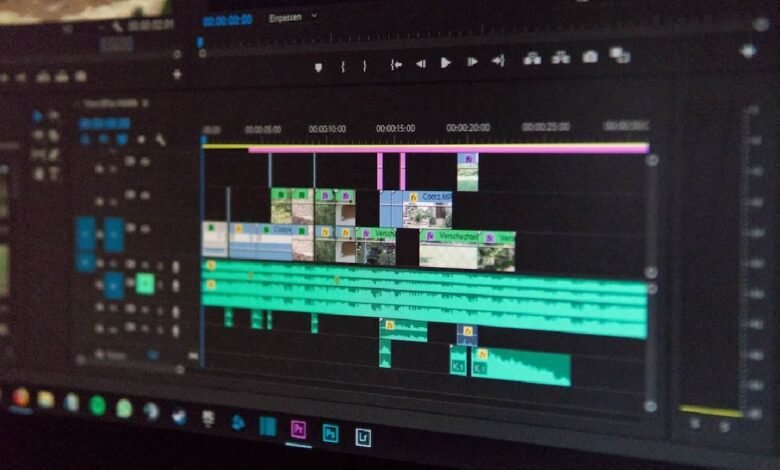
Timeline: align waveforms visually. Cut on breaths, crossfade overlaps.
Pacing: speed ramps for energy, silence for drama.
Auto-sync tools match claps. Preview mono for phone viewers.
Advanced Polish Tricks
Limiter caps peaks, avoiding clipping. Multiband compression tames frequencies.
Reverb sparingly for space, de-esser tames sibilance. Free plugins: ReaEQ (Reaper suite).
A/B test: export versions, poll viewers.
Test and Optimize for Platforms
Playback on earbuds, speakers, phones. LUFS metering: -14 for YouTube, -16 TikTok.
Subtitles boost retention 12%, auto-generated in editors.
Analytics: watch drop-off; tweak if early.
Real-World Results and Data
Creators using lav mics report 25% view time gains. AI voice tools save 80% narration time.
Kapwing users add audio in minutes, boosting polish without cost.
Pro audio correlates with 2x subscriber growth.